> ## Documentation Index
> Fetch the complete documentation index at: https://brightdata-ipv6-release.mintlify.site/llms.txt
> Use this file to discover all available pages before exploring further.
# How to Get Started with Residential Proxies
> Follow these steps to set up your [Residential Proxy](https://brightdata.com/proxy-types/residential-proxies) with Bright Data. Sign in, create a proxy zone, and verify your account to start.
if you haven't yet signed up for Bright Data, you can [sign up for
free](https://brightdata.com/), and when adding your payment method, you'll
receive a \$5 credit to get you started!
Sign in} />
Navigate to "Proxies & Scraping", then "My Zones"}>
If you already have an active proxy, simply choose **Add** at the top right corner
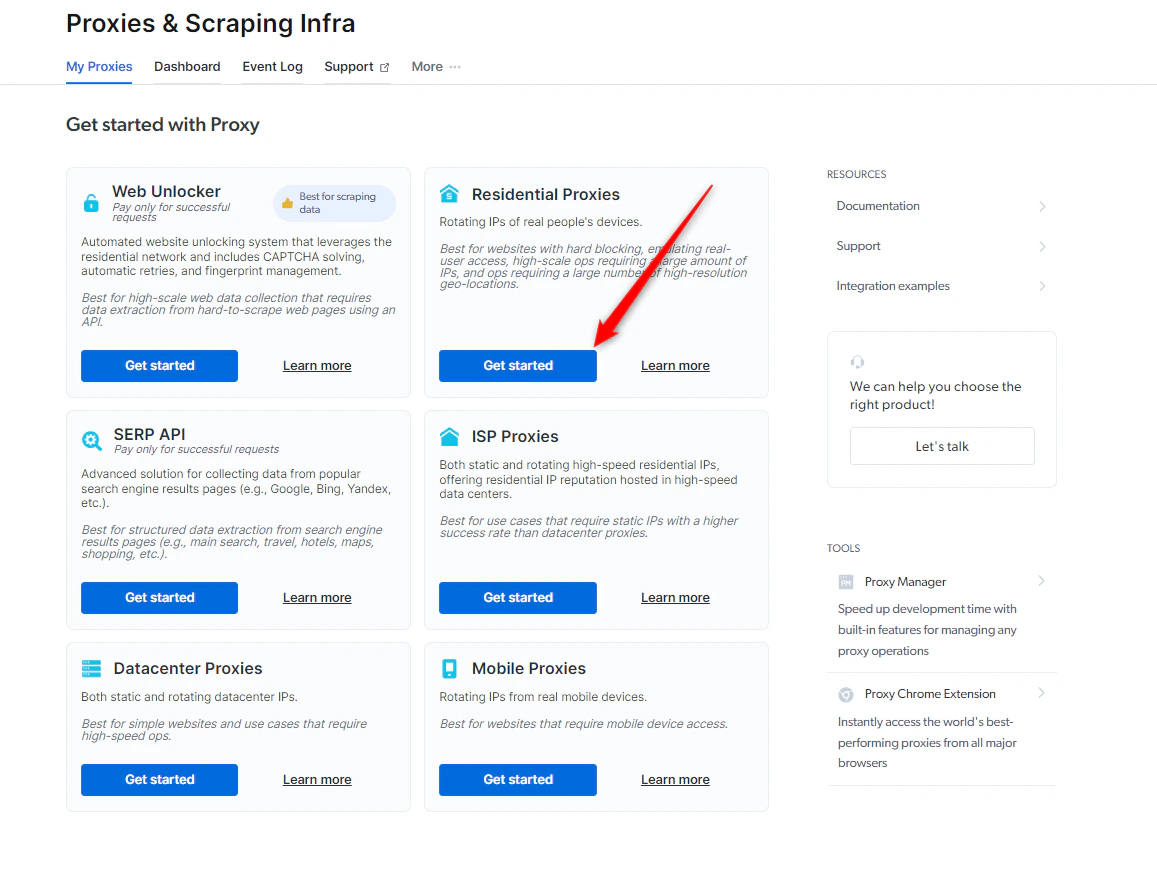 Please select a meaningful name, as the zone's name cannot be changed once created.
Configure your proxy} />
If you haven't yet added a payment method, you'll be prompted to add one at this point to verify your account. If it's your first time using Bright Data, then you'll also receive a \$5 bonus credit to get you started!
You will not be charged anything at this point and this is solely for verification purposes
Don't worry, we'll cover all the configurations in the next section, [Configure your Proxy](/proxy-networks/residential/configure-your-proxy)
Please select a meaningful name, as the zone's name cannot be changed once created.
Configure your proxy} />
If you haven't yet added a payment method, you'll be prompted to add one at this point to verify your account. If it's your first time using Bright Data, then you'll also receive a \$5 bonus credit to get you started!
You will not be charged anything at this point and this is solely for verification purposes
Don't worry, we'll cover all the configurations in the next section, [Configure your Proxy](/proxy-networks/residential/configure-your-proxy)